
■1: Time tracking, Metal reflections, and Modern surrealism

Time tracking
In my early twenties, I tracked what I did for every minute every day. Sounds insane, but it was easy. I had an app with ~8 categories (working, eating, resting…) and when I pressed one, a timer would start. At the end of a day, I could see how I’d spent the day. At the end of a week, I could see how I’d spent the week. After two years of obsessing like this, I had a pretty good idea of how I spent my time.
I would recommend it. You don’t have to be insane like me, but a week would do anyone good. Two is better because it takes about a week to get in the habit of tracking consistently.
Here’s what I experienced:
I learned how long things take. Very useful in work if you need to estimate workload.
I learned to do one thing at a time because switching activities meant opening an app.
I learned my patterns. After such and such activity, I work longer. That kind of thing.
Today I use Toggl Track for work. It’s fine, but for this kind of life tracking I recommend aTimeLogger, because it’s super quick to switch timers.
Discuss this post on Substack.
Tutorial: another banger from Lucas Prismal
This is the kind of shader knowledge that makes a big difference. Pay attention to this guy going forward.
Inspiration: Modern surrealism without AI
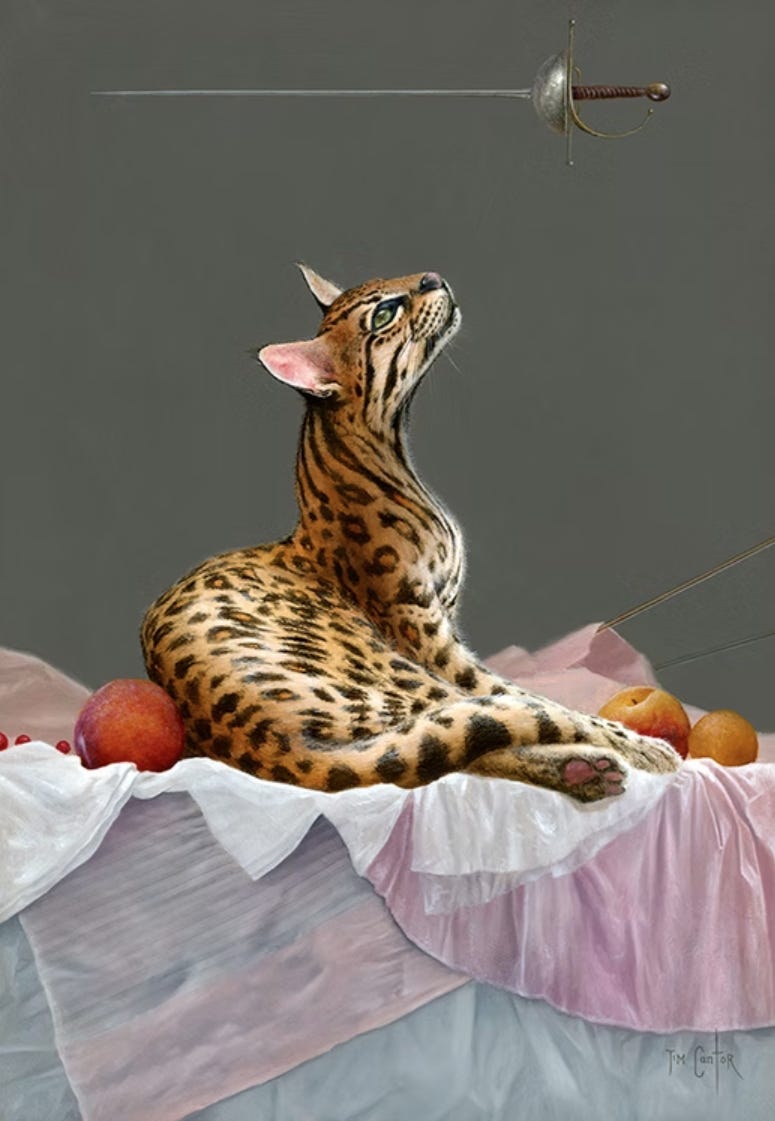
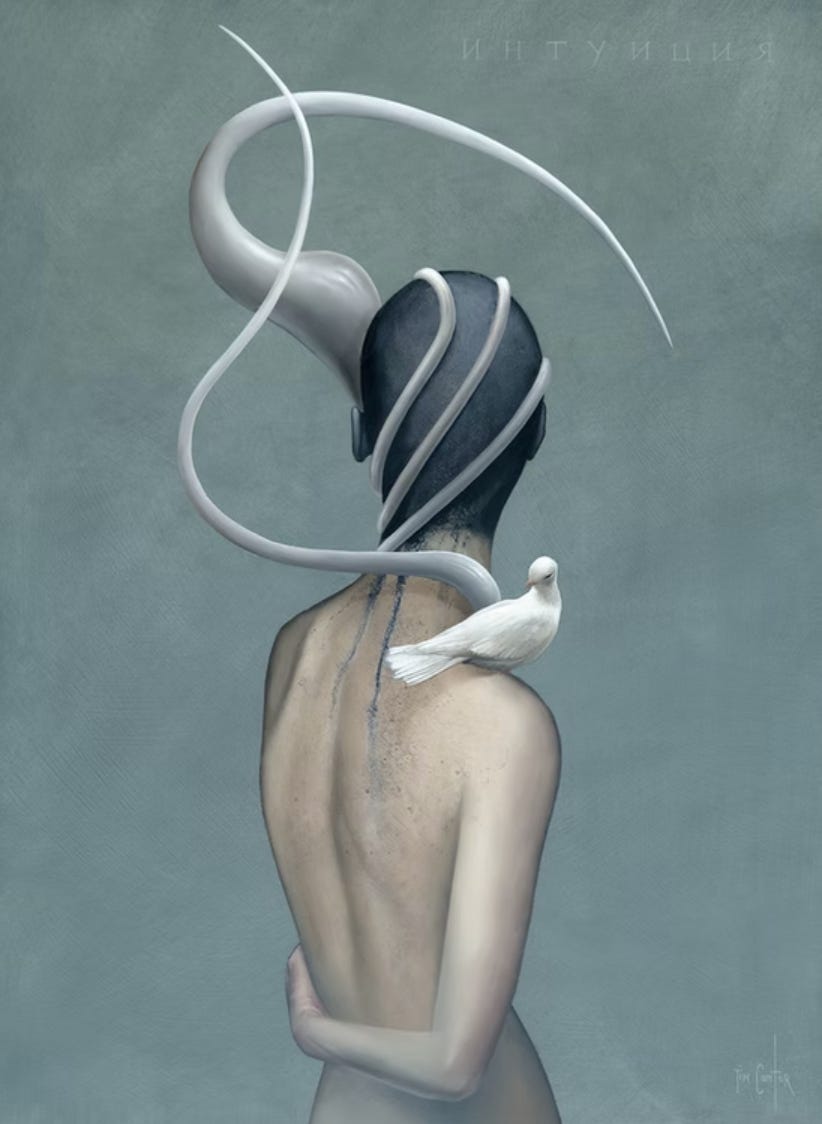
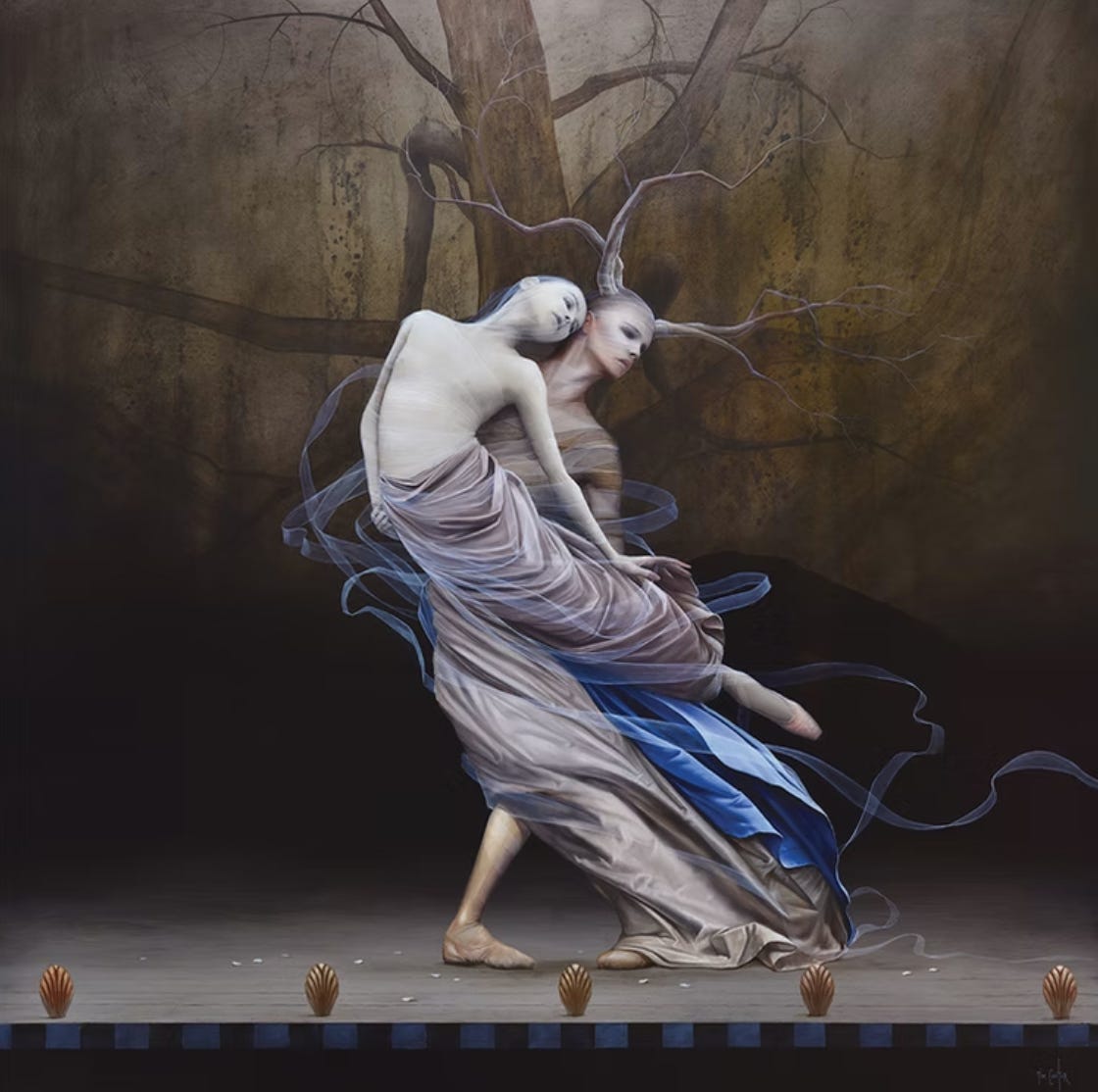
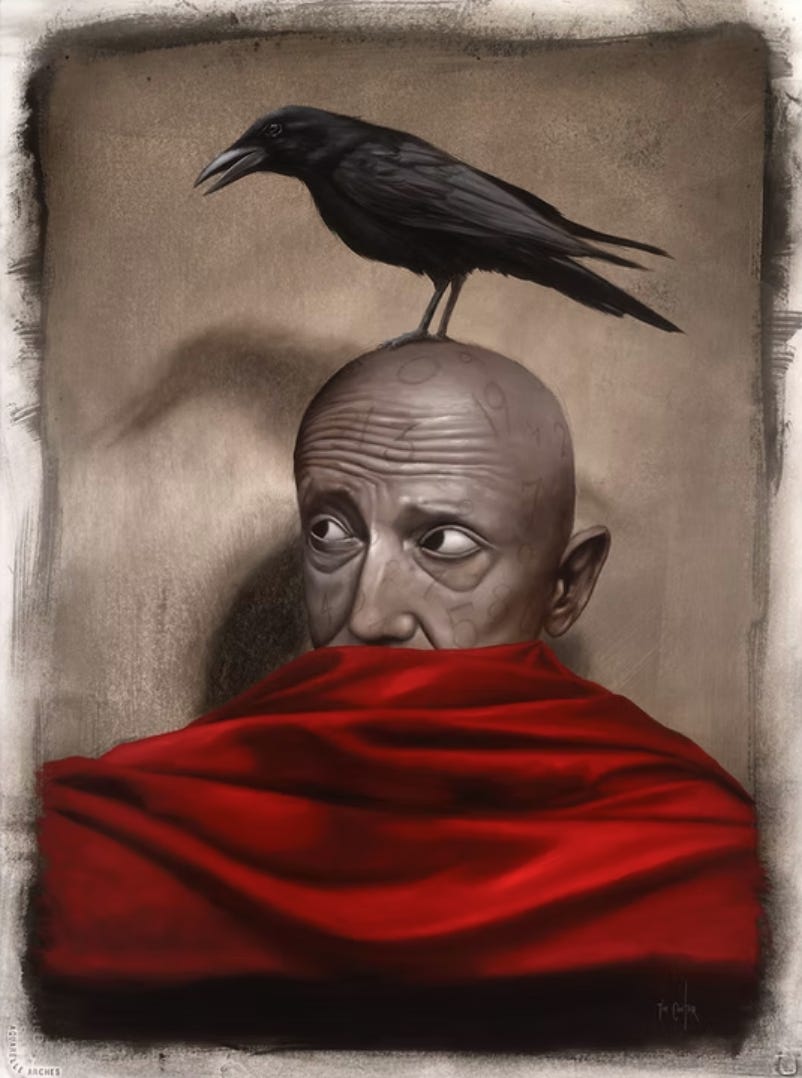
Tim Cantor paints modern surrealism in oil. I’ve been a fan of his for many years. It’s been nice to go through his works again now in the age of AI and see what good surrealism looks like.
Currently, I’m most fascinated by his sense of pose. Pay attention to how characters and objects are posed.
Tip: Sharp Frames tool
This free web-based tool identifies the sharpest images in a batch. You use it for things like photogrammetry and gaussian splatting. Super useful.
I use ManicTime . with toggle was pain in the ass to constantly clicking start timer. or maybe its me switching constantly lol.